
CSV
Migration showcase · 3–5 minutes
From source file to verified migration
Moving data into a new system is only part of the job. You also need to check what arrived, what failed and what changed.
Move six synthetic order lines into a new system. Remove a product mapping, inspect the failed records, repair it and replay only those records. Then verify every field and the control total.
Independent demonstration with synthetic data. Not a client deployment.
Data migration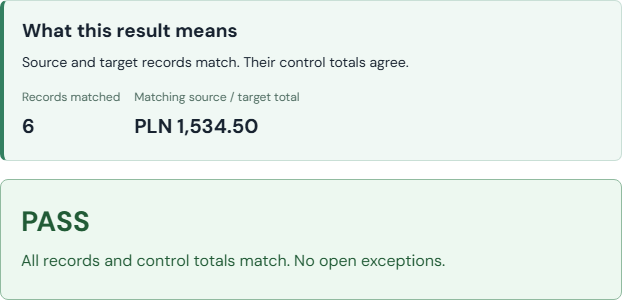
- 1Source
- 2Validation
- 3Mapping
- 4Migration
- 5Recovery
- 6Evidence
1. Start with a small, inspectable dataset
The sample contains six order lines, two customers and two products. No configuration is needed. You can also download it, change values and upload it again (up to 30 rows / 40 KB).
This is a controlled target, not a connection to a commercial ERP. Data is processed on the server and reports remain available in this browser session for about 24 hours. Use synthetic data only. Amounts are in PLN; dates use the fixed Data Quality reference clock of 16 September 2026.
Data Quality → ERP Sync
Open exceptions
Verify the result and take the evidence
Source / target · PASS / FAIL
Deeper technical examples
Inspect mapping, validation rules and field-level discrepancies in the individual technical examples.